Client Login Guide - If you have a login with your own email address
As part of the process to grant you access to the reports, you will receive an invitation from Tableau (as per the image below)
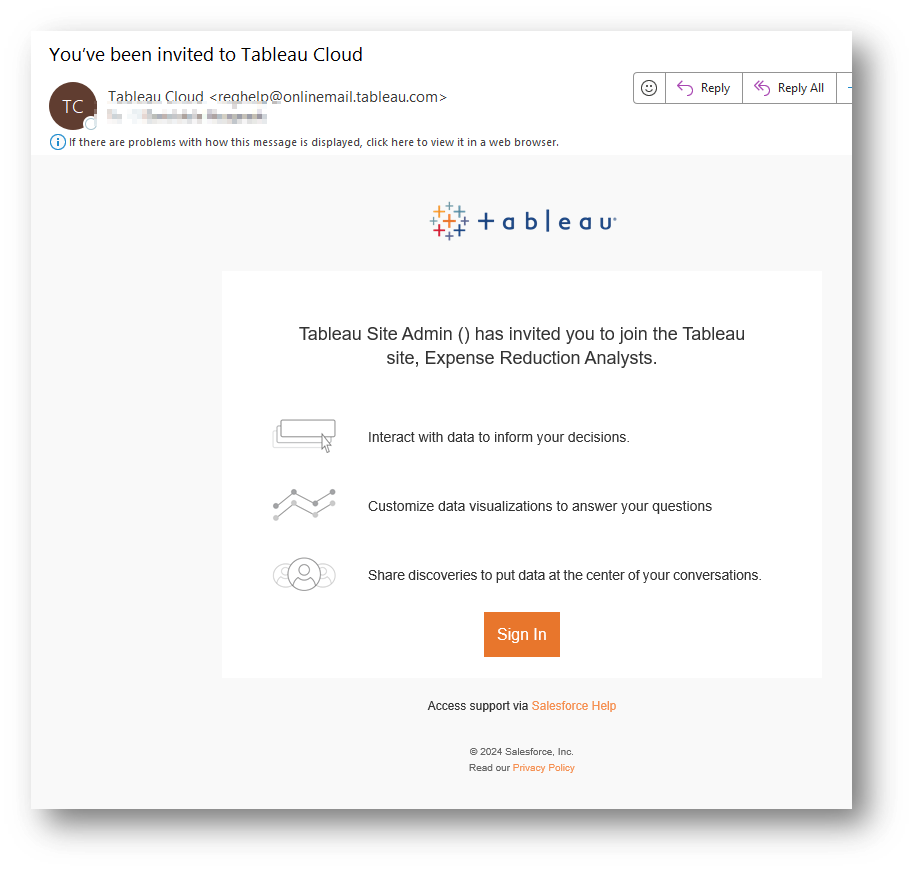
Please click sign-in on the email, and you will be asked to “Create your account”. You will fill out your name and a password then click “activate”
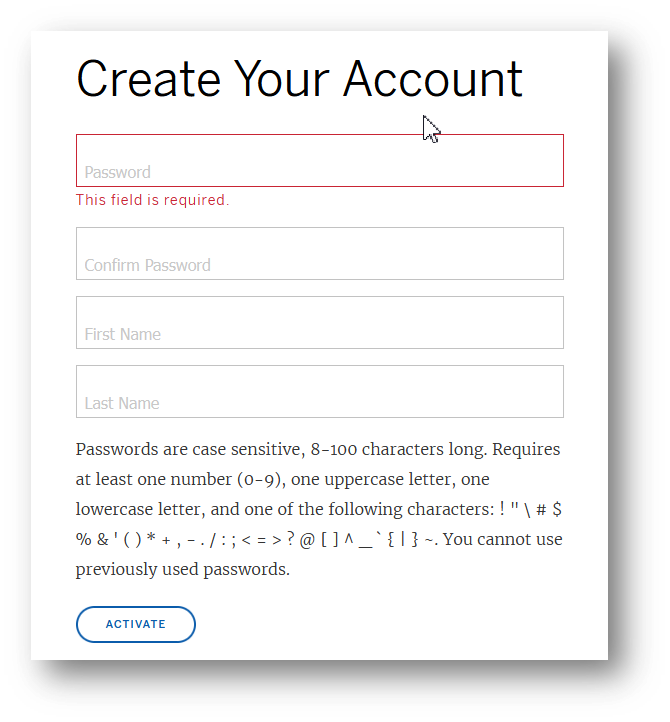
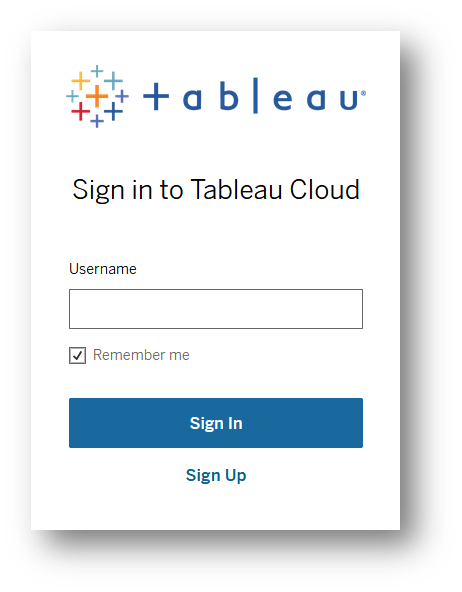
The page will be refreshed to a login screen alternatively please visit https://spendvue.com/portal
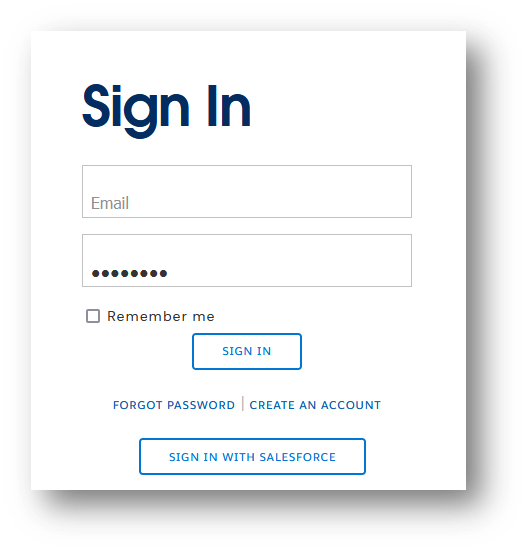
Please enter your email address
The screen then refreshes to another login screen
You will then be asked to set up your 2-factor authentication. Please select “One Time Password Generator”
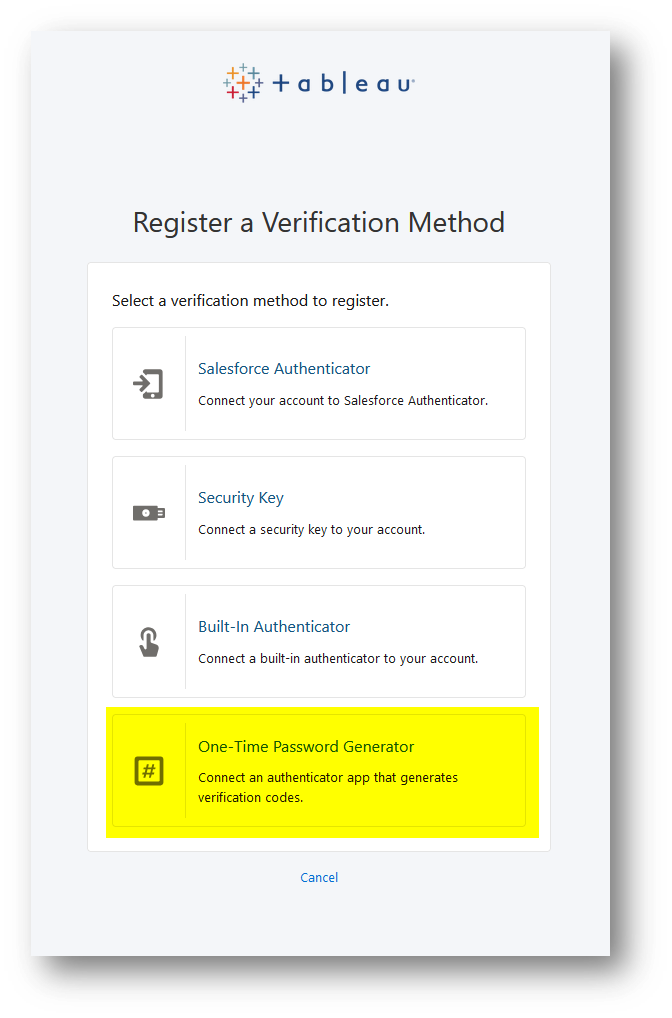
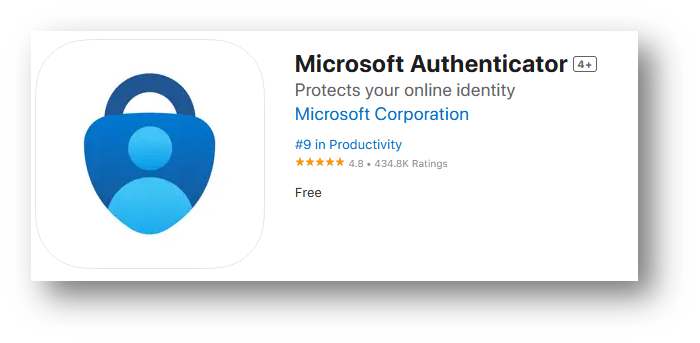
You will then be presented with a QR code to scan. You can use either the Google authenticator app or the Microsoft authenticator app, which is our recommended option.
Here is a link to the Microsoft Authenticator app for Apple devices https://apps.apple.com/us/app/microsoft-authenticator/id983156458
Leaving the QR code on the screen of your computer use your mobile device,
- open the Microsoft authenticator
- click the “+” icon at the top right
- select “Other”
- Scan the QR code on your laptop
The QR code looks similar to this
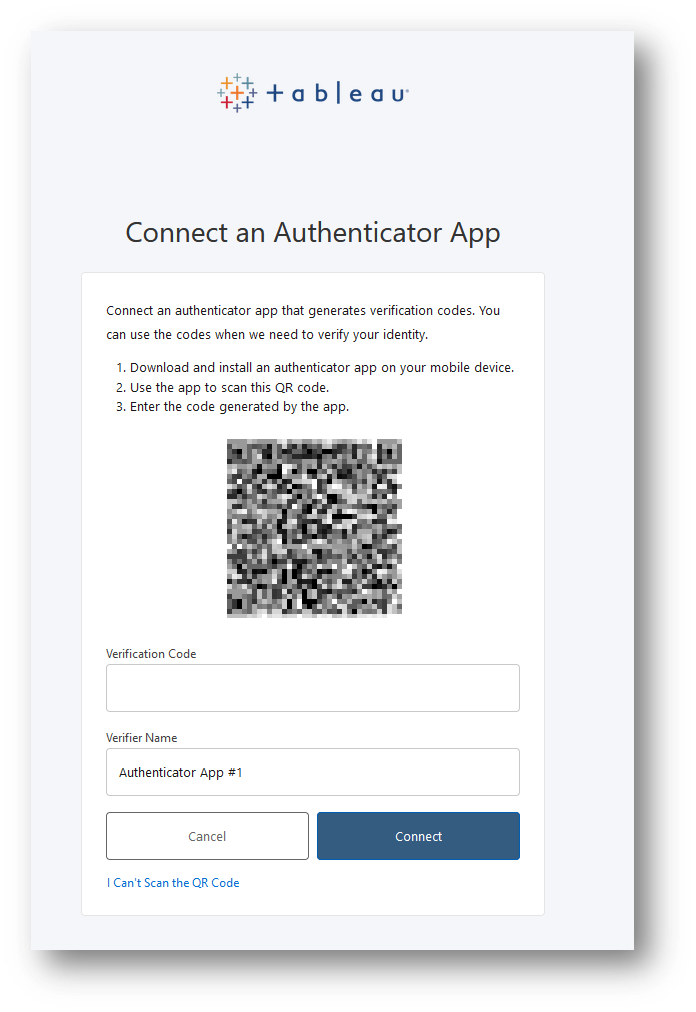
- Enter the 6-digit code on the authenticator app in the “Verification code” section
- Click connect
You will now be logged into the portal and will see a folder for your SpendVue reports